Skip to content

Marstek for Home AssistantLocal control for your home battery

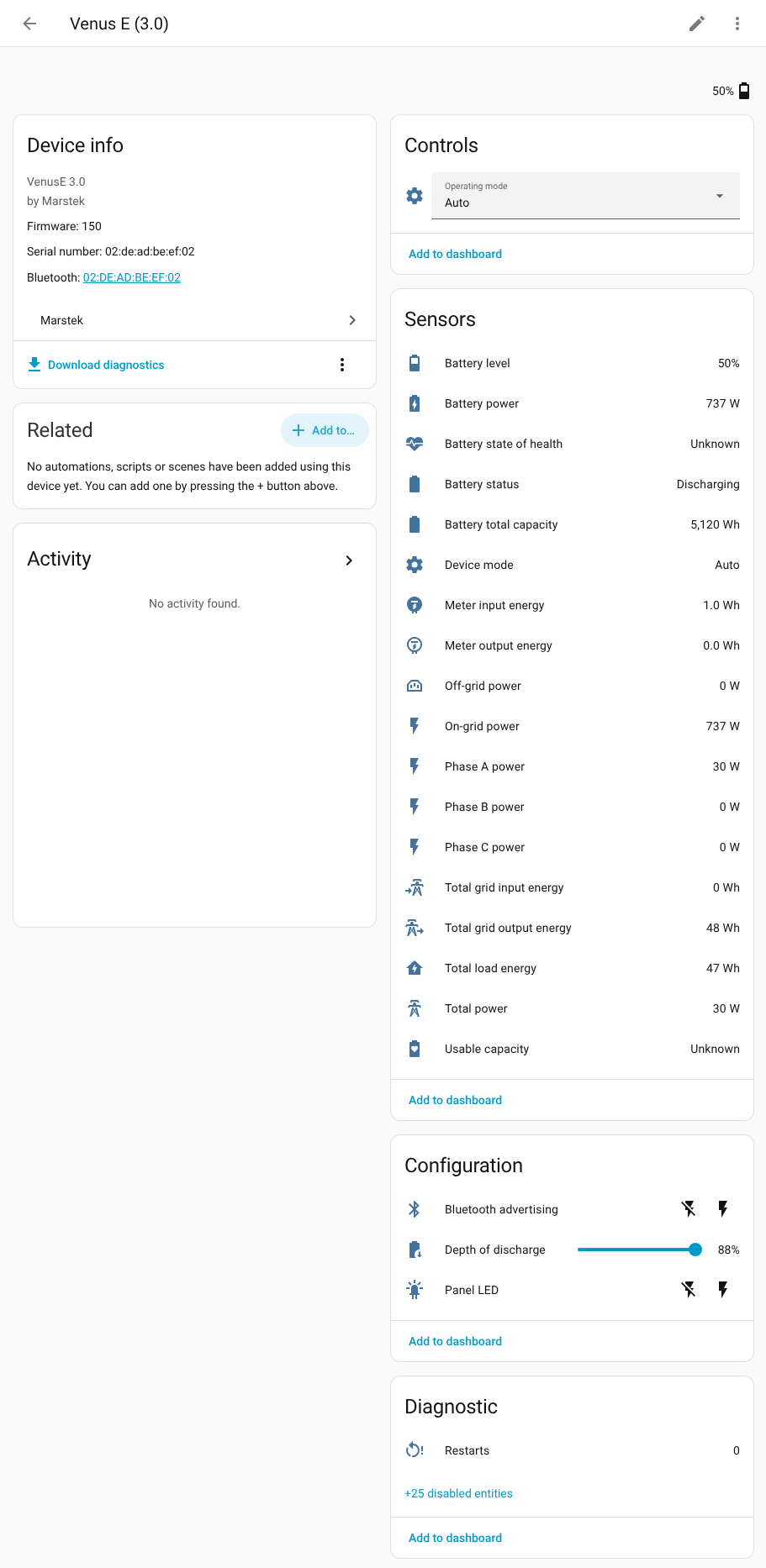
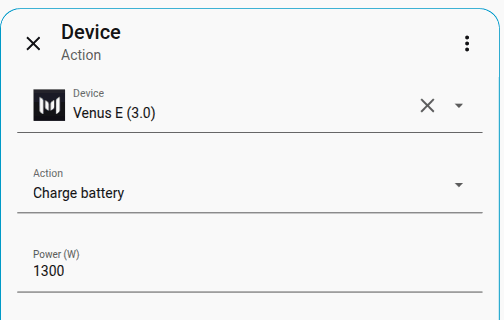
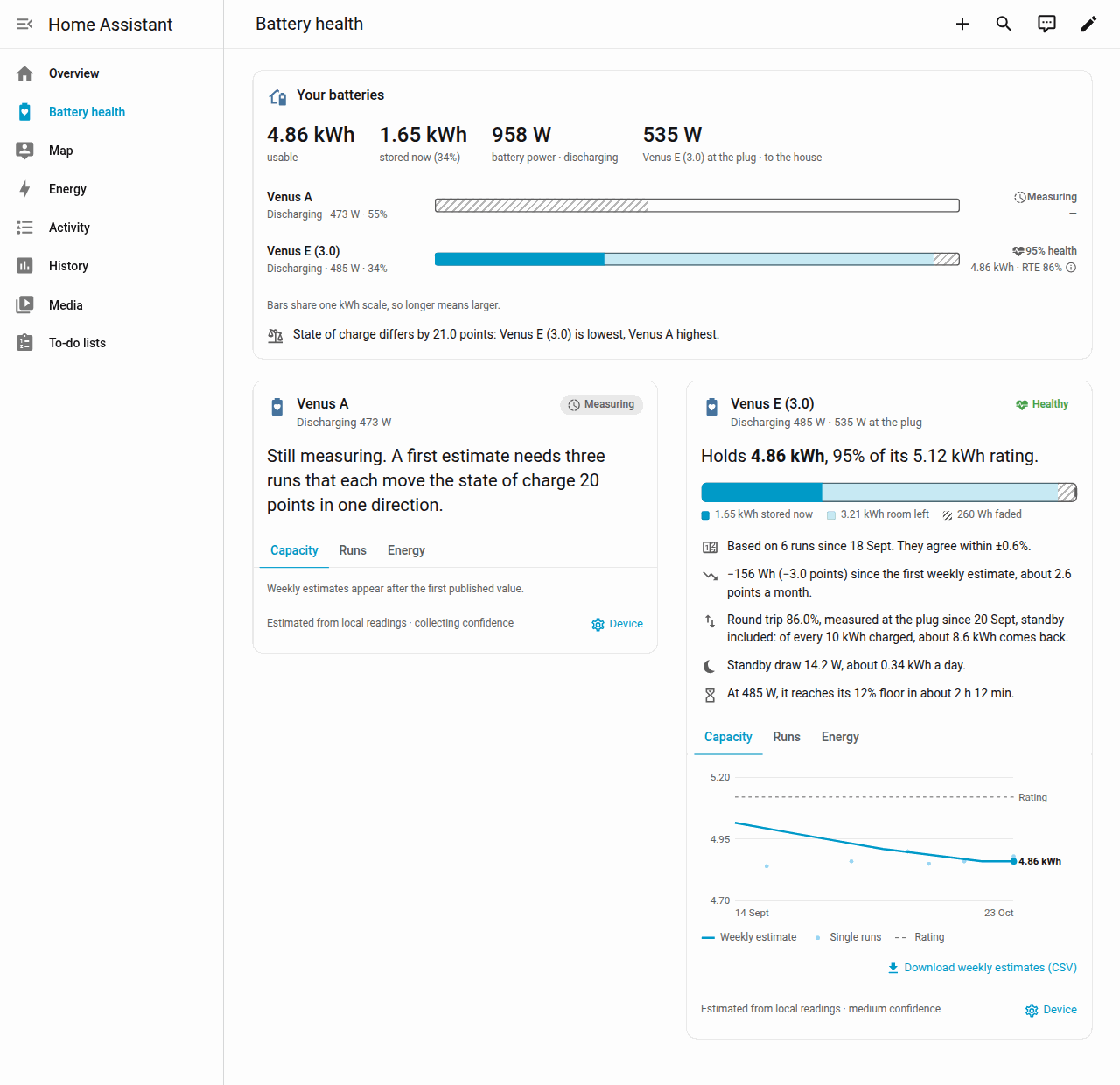
Live charge, power, and solar in Home Assistant. Charge or discharge from automations. Works with Venus A, C, D, E 3.0, and E mini over your own network, with no Marstek cloud account and no extra hardware.

Home Assistant talks to the battery over your home network Home Assistant and a Marstek battery exchange messages directly on the local network. The Marstek cloud is not on that path. no cloud neededHome AssistantMarstek batterylocal network ยท UDP

See it in Home Assistant โ€‹

Take the visual tour โ†’

Is this for me? โ€‹

You're set if:

  • You have a Marstek Venus A, C, D, E 3.0, or Venus E mini. Venus E 2.0 does not work with it. See supported devices.
  • You run Home Assistant 2025.10 or newer with HACS (the Home Assistant Community Store) installed, or you are comfortable copying a folder into Home Assistant.
  • The battery and Home Assistant are on the same home network.
  • You can switch on Open API for the battery in the Marstek app. Open API is the battery's local connection for other devices on your network. It is off by default.

Not sure what some of these words mean? The glossary explains them in one line each.

Three steps to a working battery โ€‹

  1. Turn on Open API in the Marstek app. Before you start shows what to check.
  2. Install the integration from HACS and restart Home Assistant.
  3. Add the battery under Settings > Devices & services. Most batteries are found automatically. Two cases need you to type the battery's IP address instead: a Venus E mini, and a battery on a separate network (VLAN) from Home Assistant.

The getting started guide walks through each step with screenshots, then shows you how to add the battery to the Energy dashboard and build a first automation.

Independent project

This is a free, MIT-licensed community project. It is not made, endorsed, or supported by Marstek. Read the limitations before you rely on it for anything important.